Clean content review
Review the useful article content before it is sent to your workspace.
Clip2Notion is a focused Chrome extension for reviewing the page you are viewing and saving useful content to a Notion page or database you choose.
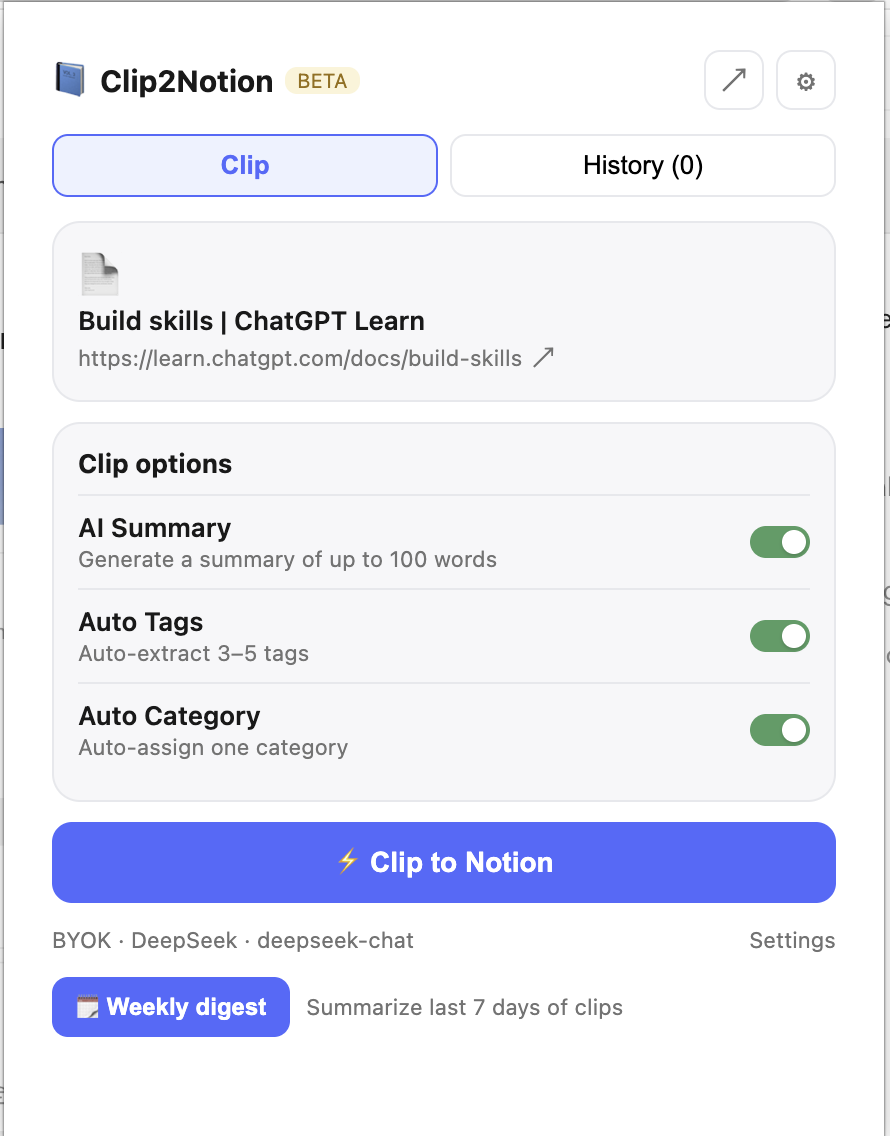
Start from the active page when you decide the content is worth keeping.
Check the title, choose a Notion destination, and prepare the relevant properties.
Create the requested content in Notion and return to your browsing workflow.
Connect a Notion database, choose the display language, and set the default options that should apply to every clip.
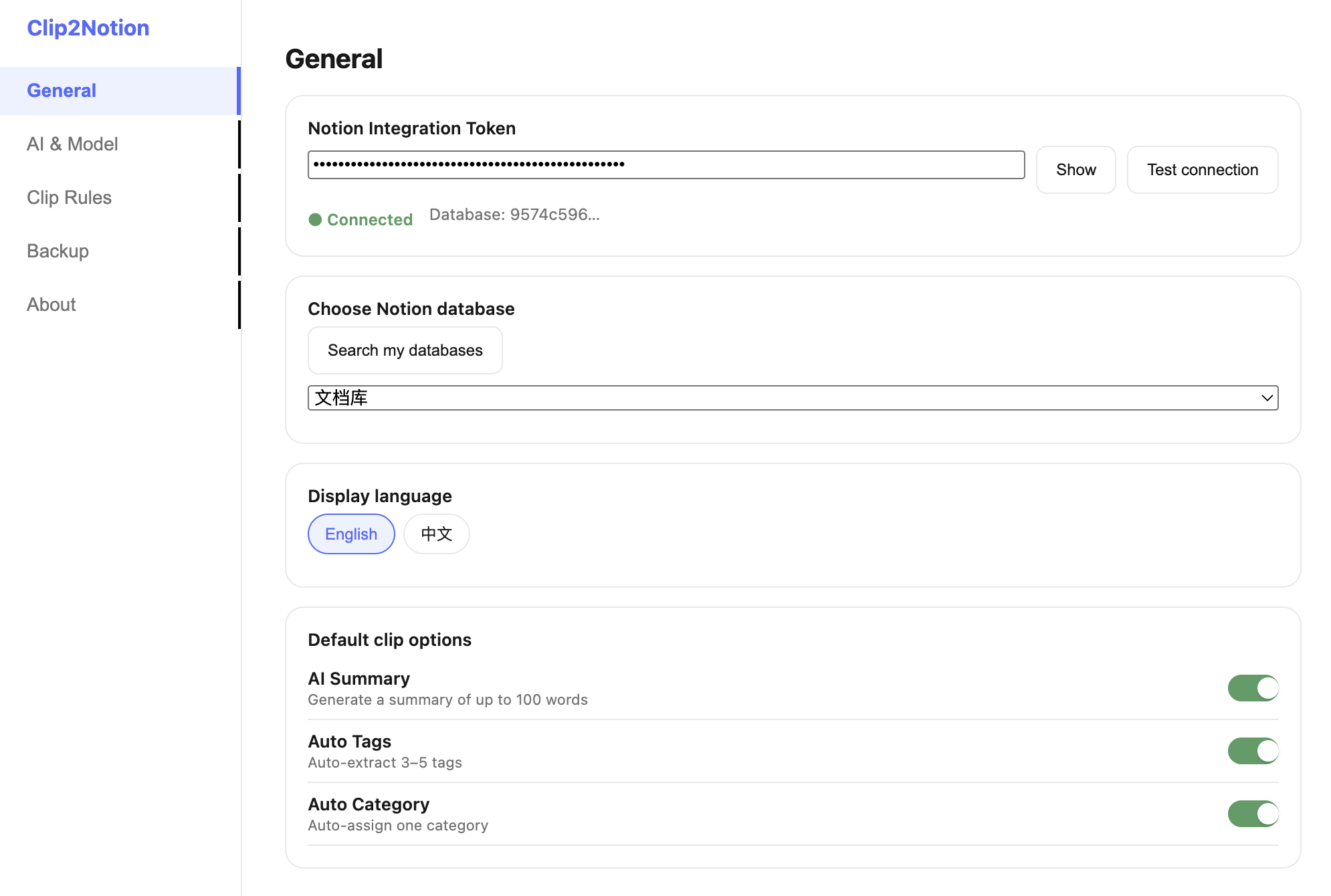
Review the useful article content before it is sent to your workspace.
Choose the Notion page or database that matches the way you organize information.
Prepare notes, tags, status, and other relevant database fields before saving.
Connect your own Notion workspace through authorization and disconnect it when needed.
The product is designed around a user-started clipping action rather than continuous browsing monitoring.
The extension accesses the active page when you open the clipper or begin a save action.
Authorization is used to show available destinations and create the content you ask to save.
Authentication, settings, subscription status, and request data may be processed only as needed to provide the service.
Install Clip2Notion from the Chrome Web Store, then review the available plans for your workflow.